
Auto-Coding
Learn how to apply your codebook to interview transcripts with AI-assisted coding and review the resulting coded segments.
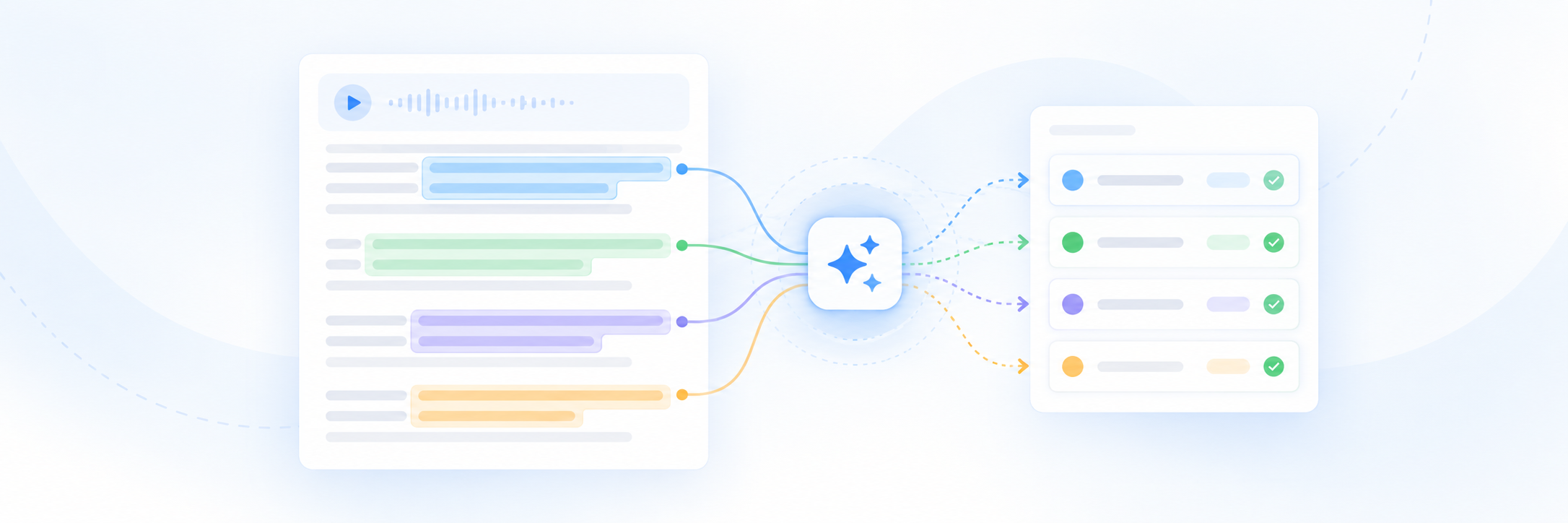
Auto-Coding helps you apply your codebook categories to interview transcripts. Academly analyzes the transcript and identifies text segments that match the definitions in your codebook.
What this section is about
Manual coding can take a considerable amount of time. Auto-Coding gives you an initial set of coded segments that you can review, correct and supplement before continuing with your analysis.
When you should use Auto-Coding
- When you have imported interview transcripts
- When you have created a codebook
- When you want a first coding pass across an interview
- When you want to apply the same category definitions consistently
- When you are preparing coded material for qualitative analysis
How it works
Open Coding
Go to Qualitative Research and open the Coding area.
Select a codebook
Choose the codebook that contains the categories you want to apply.
Select an interview
Choose the interview transcript you want to code.
Start Auto-Coding
Run the automatic coding process for the selected interview.
Review the coded segments
Check the suggested category, transcript segment and any additional information shown for each result.
Filter the results
Use the available category filters to review related coded segments together.
Correct or extend the coding
Remove incorrect assignments, add missing manual codings and add notes or memos where useful.
Reviewing coding results
- Check whether the selected text actually matches the assigned category
- Compare similar segments across the same category
- Review weaker or uncertain matches more carefully
- Add manual coding where relevant material was not detected
- Remove results that do not fit your coding rules
- Use memos to record interpretation or review notes when needed
Important notes
Auto-Coding is a starting point for qualitative analysis, not a replacement for researcher review. Check the suggested codings against your codebook definitions and the original interview context before using them in your analysis.
Related sections
- Building a Codebook
- Importing Interviews
- Analysis and Summaries