
My Library
Learn how to view and manage your uploaded documents and saved academic material in Academly.
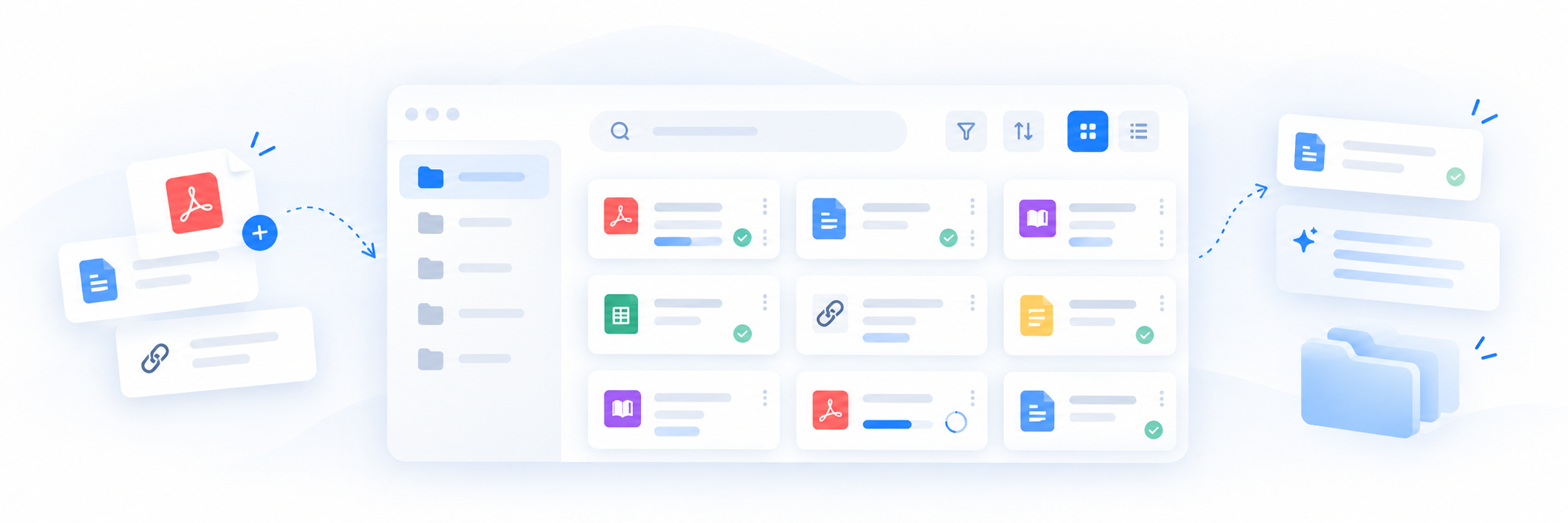
My Library is the central place for managing documents and academic material you have added to Academly.
What this section is about
My Library gives you access to uploaded documents and related material stored in your Academly workspace. It helps you find sources, check their status and manage documents you no longer need.
When you should use My Library
- When you want to review your uploaded documents
- When you need to find a source you added earlier
- When you want to check whether a document has finished processing
- When you want to remove material you no longer need
- When you want to prepare sources for use with other Academly tools
How it works
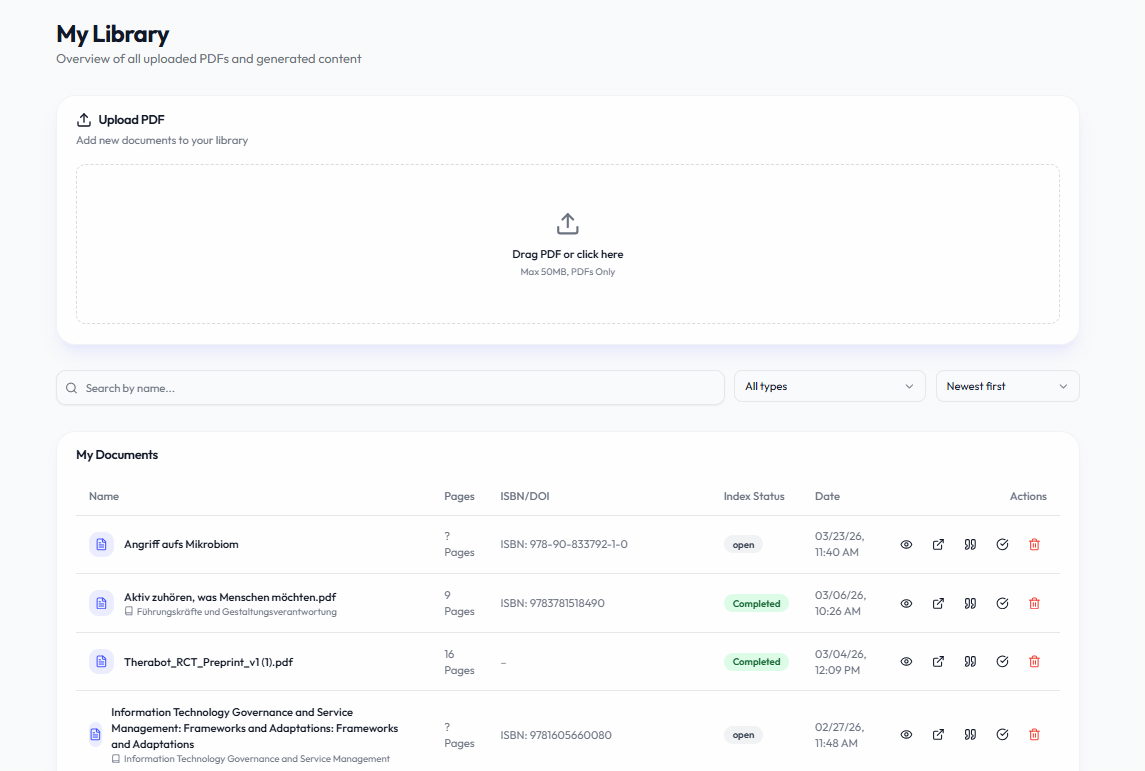
The exact information shown depends on the type and processing status of each item in your library.
- Uploaded documents and PDFs
- Document titles and basic metadata
- Page counts where available
- Upload or processing status
- Document actions such as opening or deleting an item
- Other saved academic material supported by the current workspace
Managing your documents
Open My Library
Go to the library area of your Academly workspace.
Find the document you need
Browse your available documents and use the available controls to locate the relevant source.
Check its status
Review the available processing information before using the document with source-based tools.
Open or manage the document
Use the available document actions to view or remove the item when needed.
Important notes
Deleting a source may not automatically remove content that was previously created from it. Review related thesis or research material before removing documents you may still need.