
Managing Your Account
Learn how to manage your Academly profile, subscription, security settings and account data.
Your account area contains the settings related to your profile, subscription, billing, security and account data.
What this section is about
The Account page gives you one place to review personal settings, check your current plan and Student Points, manage billing and update security-related information.
When you should use your account settings
- When you want to update your profile information
- When you want to check your current subscription
- When you want to review your Student Points
- When you need to change your password
- When you want to access billing or invoices
- When you want to create a data backup
How to access your account
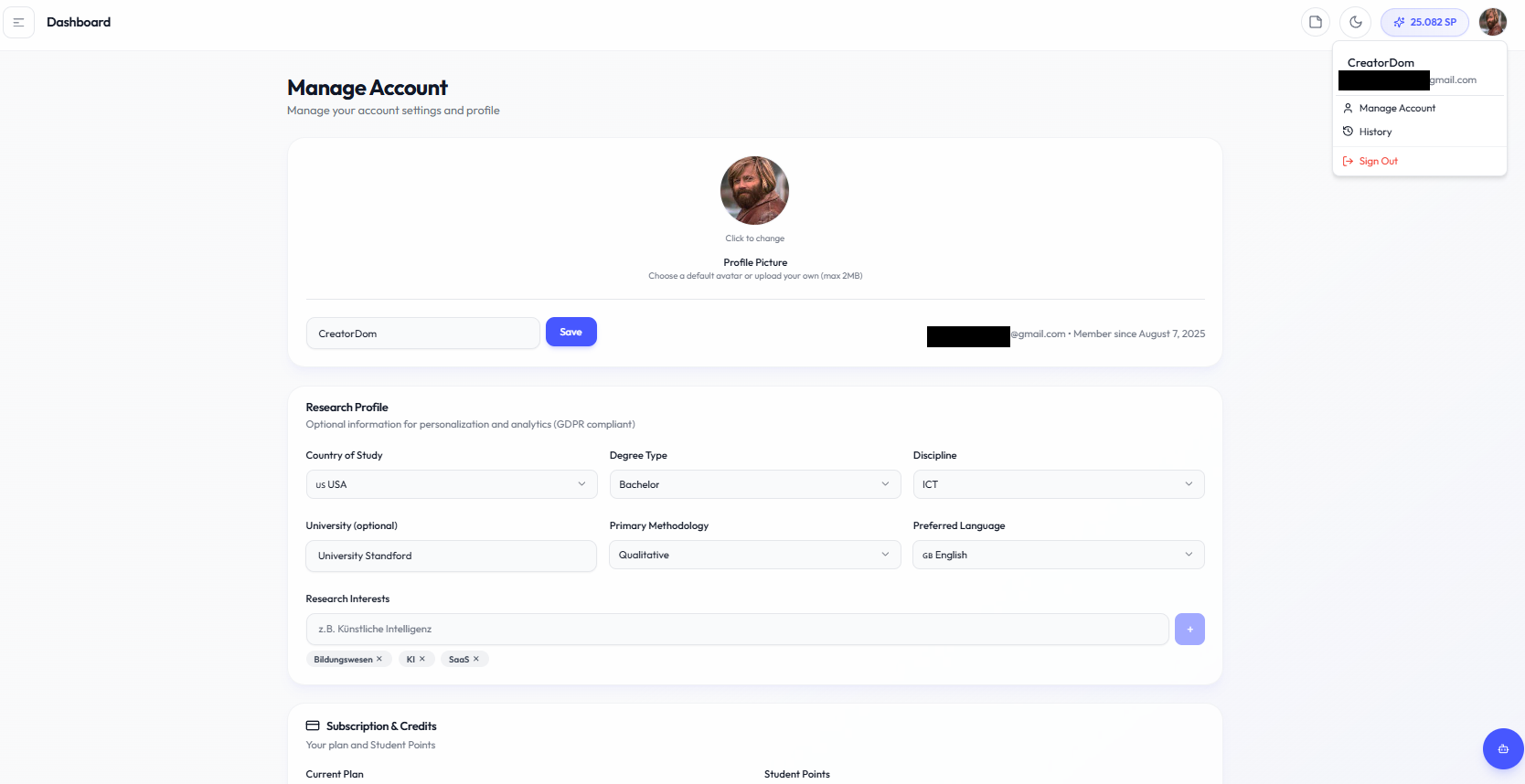
Open the account area from the user menu in the Academly interface.
Account sections
- Profile: Manage available profile information such as your avatar, display information and email details.
- Research Profile: Add academic information such as degree type, discipline, university, research interests and preferred writing language.
- Subscription and Student Points: Review your current plan, Student Point balance and available subscription actions.
- Password and Security: Update your password and related account security information.
- Billing: Open the available billing tools for your paid subscription.
- Data Backup: Create and download a copy of supported account and project data.
- Account Management: Access options related to the status or deletion of your account.
Account deletion
Account deletion is a permanent action. Create a backup first if you want to keep a separate copy of your work before deleting your account.
Related sections
- Subscription Plans
- Payments and Invoices
- Understanding Student Points
- Data Backup